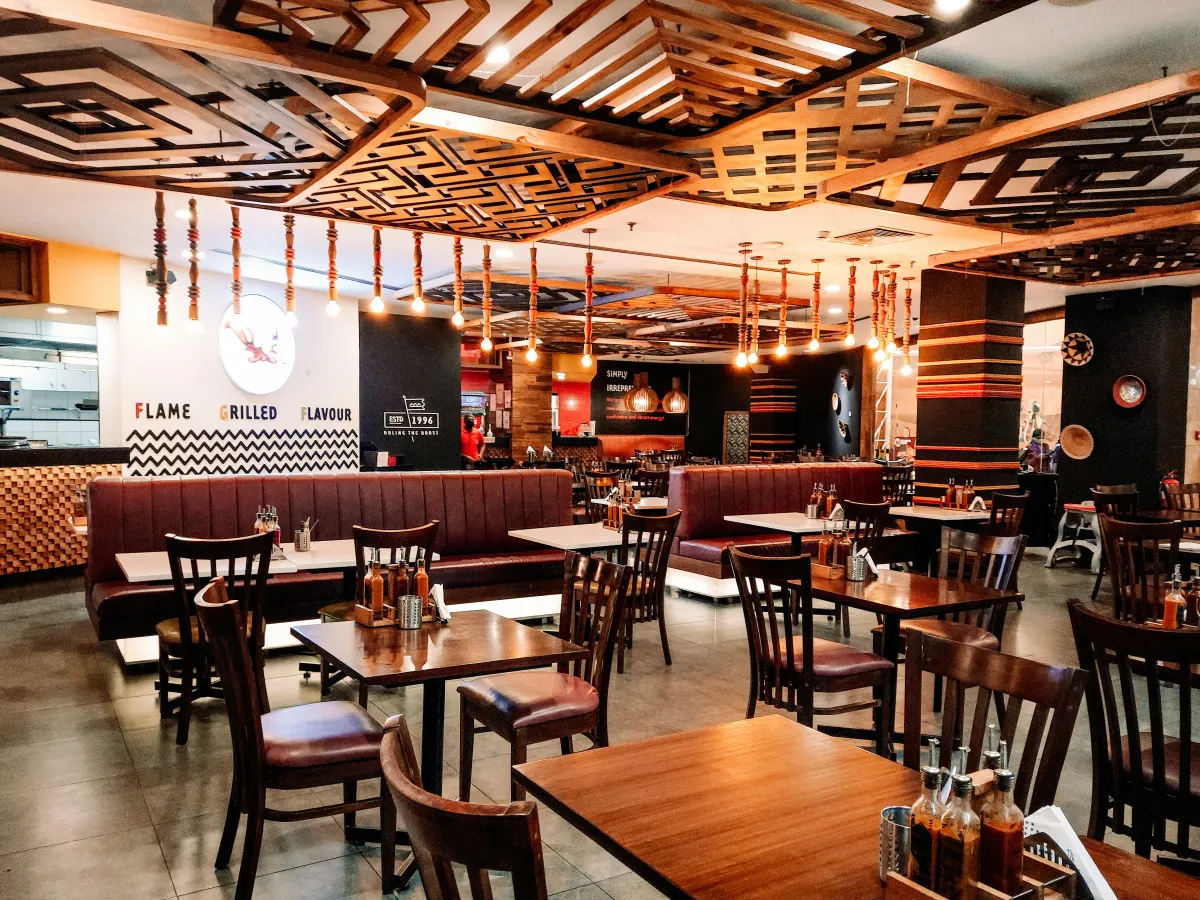
Cover photo by Prithiviraj A on Unsplash
Having a website for your restaurant is not simply about putting a beautiful photo gallery and your contact info online. In 2026, a restaurant website must act as a real conversion tool (BOFU): its sole objective is to guide the hungry user from the couch to a table in your venue.
If people land on your website but then book elsewhere, the cause is often a series of small friction points that make it difficult to view the menu or book a table. In this guide, we'll look at the 5 key elements that will turn your site into a booking machine, while also optimizing your local visibility on Google.
The Digital Menu: readable and indexable (No PDFs!)
Let's start with the most common and damaging mistake of all: the downloadable PDF menu. When a user is on a smartphone (over 80% of restaurant traffic), downloading a heavy file of several megabytes is a frustrating experience.
The PDF forces users to constantly pinch-to-zoom to read prices and ingredients. Often, the connection inside the restaurant or on the street is slow, and the user decides to abandon the site and search for another restaurant instead.
- HTML Menu Format: The menu must be text written directly on the web page, responsive, adapting to any screen size.
- SEO Advantage: Google does not index dishes inside a PDF in the same way as normal text. If you use an HTML menu and a user searches for \"gluten-free carbonara [your city]\", Google can show your website in the results. If that dish is inside a PDF, it will remain invisible to search engines.
Menu readability and ease of navigation are among the first aspects that drive a customer away or pull them in, a topic we also analyzed in our article on 10 common website errors to avoid.
A simple and immediate booking system
If your goal is to fill tables, the path to booking must be as short and clean as possible. Avoid forcing the user to open their email client or fill out endless forms with unnecessary data (like address or tax code).
There are three main ways to manage online bookings depending on the complexity of the venue:
- Third-party widgets: If you use management software (e.g., TheFork, CoverManager), integrate their widget directly on the page. The user should never leave your site.
- Custom internal form: A simple form where they choose Date, Time, Number of guests, and leave their Name and Phone number.
- WhatsApp button: For small family-run restaurants or bars, a direct button to book via WhatsApp is the solution with the highest conversion rate, as it minimizes the effort required from the customer.
Want to integrate an automatic booking system on your website without paying commission for every cover? Contact me to discuss it →
Local SEO: ranking for \"Restaurant + City\"
A beautiful website is useless if no one can find it. When a potential customer is in the area and searches for \"sushi restaurant [city]\" or \"pizzeria near me\", your venue must appear among the very first Google results.
To achieve this, you need to work on the synergy between your website and your local listing:
- Google Business Profile: Create and optimize your Google Maps listing, using the exact same contact details (NAP: Name, Address, Phone) present in the footer of your website.
- Optimized copy: Talk about your territory. Insert references to your city or neighborhood in the page titles and restaurant description (e.g., \"Typical trattoria in the historic center of [City]\").
- Structured Data (Schema): Embed the
LocalBusinessorRestaurantmarkup in your site's code to communicate your hours, price range, and exact geographical coordinates to Google.
Local optimization is the fundamental pillar to attract qualified organic traffic. To learn more about how to set up your profile optimally, check out our guide on local SEO and Google Maps.
Customer reviews front and center (Social Proof)
Before trying a new restaurant, almost all of us read reviews from other customers. Social proof is the psychological factor that tips the scale toward booking or abandoning the site.
Do not hide your customer reviews or, worse, publish hand-written reviews that look fake. Transparency always pays off:
- Google or TripAdvisor reviews widget: Display a dynamic feed of real reviews. Seeing fresh, verified reviews immediately reassures the visitor.
- Manage feedback: Remember that a negative review handled with professionalism and courtesy online often has a more positive impact than ten positive reviews left without any reply.
Reviews and online reputation are closely linked to how a structured website can make a difference in your local area, as analyzed in our post on how a website brings in local customers.
Map, hours, and contacts within thumb's reach
Anyone browsing a restaurant website has an immediate informational intent: \"How do I get there?\", \"Is it open tonight?\", \"Can I call to see if there is a table?\".
These three crucial pieces of information must be visible instantly on every page, preferably in the footer or highlighted at the top:
- Always up-to-date opening hours: If your hours change on holidays or during holidays, update them immediately on your site and Google listing. There is nothing worse than finding a restaurant closed when the website said it was open.
- Interactive Map: Embed a Google Maps map to allow opening the smartphone's navigator with a single tap.
- Clickable Phone Number: The phone number must be a real link (using the
tel:tag), so that users can call you directly without having to copy and paste the number.
FAQ - Frequently asked questions about restaurant websites
- Does a PDF menu hurt my restaurant's SEO?
- Yes. Search engines have a very hard time analyzing and valuing content within PDF files. In addition, PDFs offer a terrible mobile user experience because they force zooming and consume mobile data to download them, which increases the bounce rate.
- What is the best booking system to use?
- It depends on the size of the restaurant. For those managing large volumes, software like CoverManager or TheFork is great because it automates table booking. For smaller venues, a simple contact form on the site or a WhatsApp button is more than sufficient and much cheaper.
- How can I attract customers from my own city?
- By working on local SEO: optimize your Google Business Profile profile, collect reviews constantly, use geographic keywords in your website text (e.g., \"wood-fired pizzeria in [city]\"), and make sure your address is formatted consistently across the web.
Conclusions: does your website convert or drive customers away?
A website for restaurants and bars shouldn't just be an aesthetic masterpiece, but a simple, fast, and friction-free sales tool. Getting rid of the PDF menu, placing a clear call to action, and taking care of your positioning on Google Maps are the key steps to start seeing a real increase in tables booked.